You can not select more than 25 topics
Topics must start with a letter or number, can include dashes ('-') and can be up to 35 characters long.
 Dmitry Razumov
de7cf2ed36
Dmitry Razumov
de7cf2ed36
|
2 years ago | |
|---|---|---|
| screenshot | 3 years ago | |
| source | 2 years ago | |
| .gitignore | 2 years ago | |
| Makefile | 2 years ago | |
| README.md | 3 years ago | |
| com.ublinux.ubl-settings-manager.policy | 2 years ago | |
| com.ublinux.ubl-settings-manager.svg | 3 years ago | |
| gresource.xml | 2 years ago | |
| ubl-settings-manager-banner.png | 3 years ago | |
| ubl-settings-manager.conf | 3 years ago | |
| ubl-settings-manager.css | 3 years ago | |
| ubl-settings-manager.desktop | 2 years ago | |
| ubl-settings-manager.glade | 2 years ago | |
| ubl-settings-manager.pot | 2 years ago | |
| ubl-settings-manager_ru.po | 2 years ago | |
| ublinux-logo.svg | 3 years ago | |


README.md
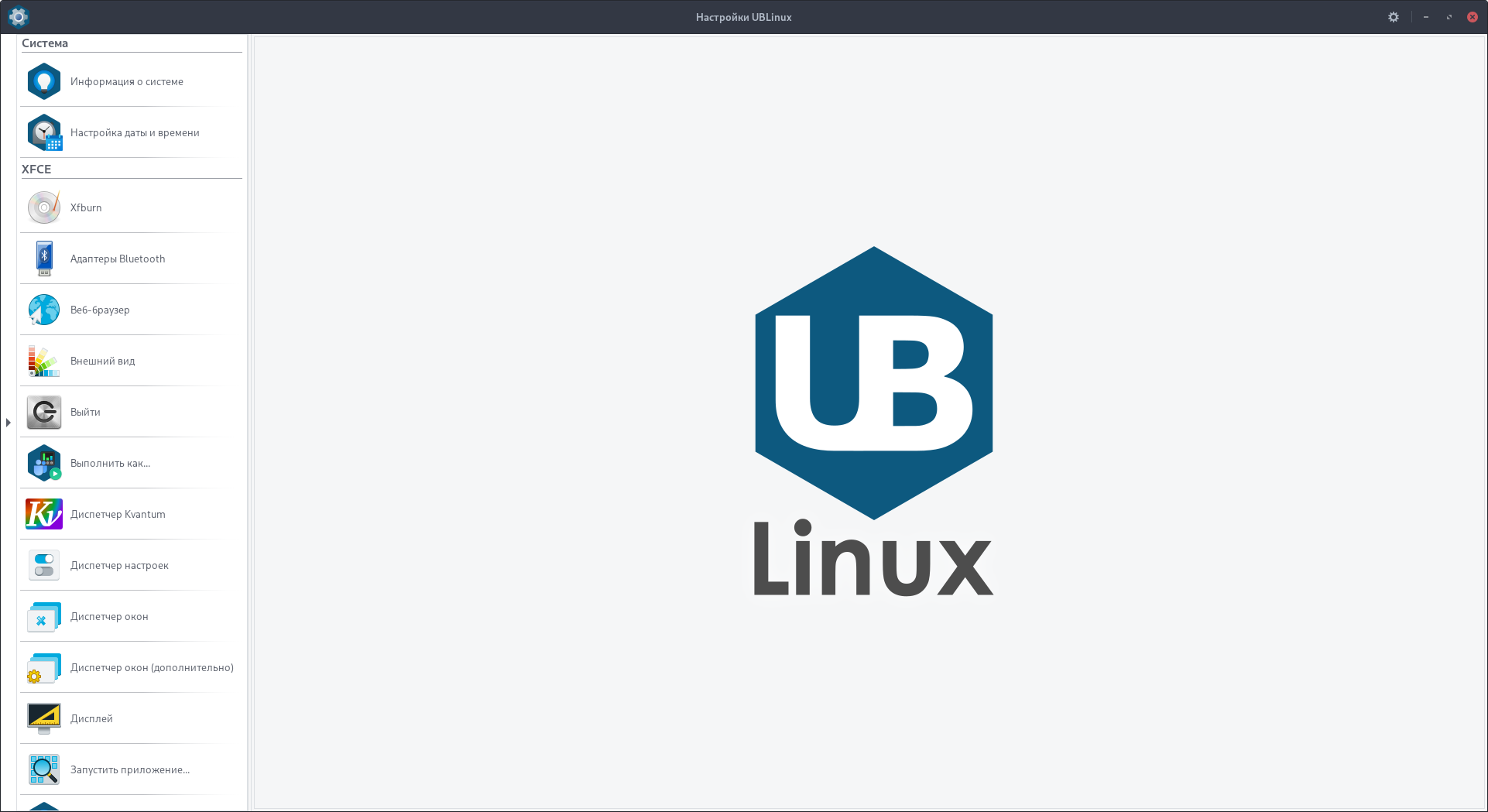
ubl-settings-manager
Менеджер настроек UBLinux
Build
In order to build ubl-settings-manager you will need:
- CMake
- C compiler
- GTK+ 3 & dependencies
Once you have all the necessary dependencies, you can use:
$ make
Installation
After a successful build, just use:
$ sudo make install clean
Uninstallation
After a successful build, just use:
$ sudo make uninstall